

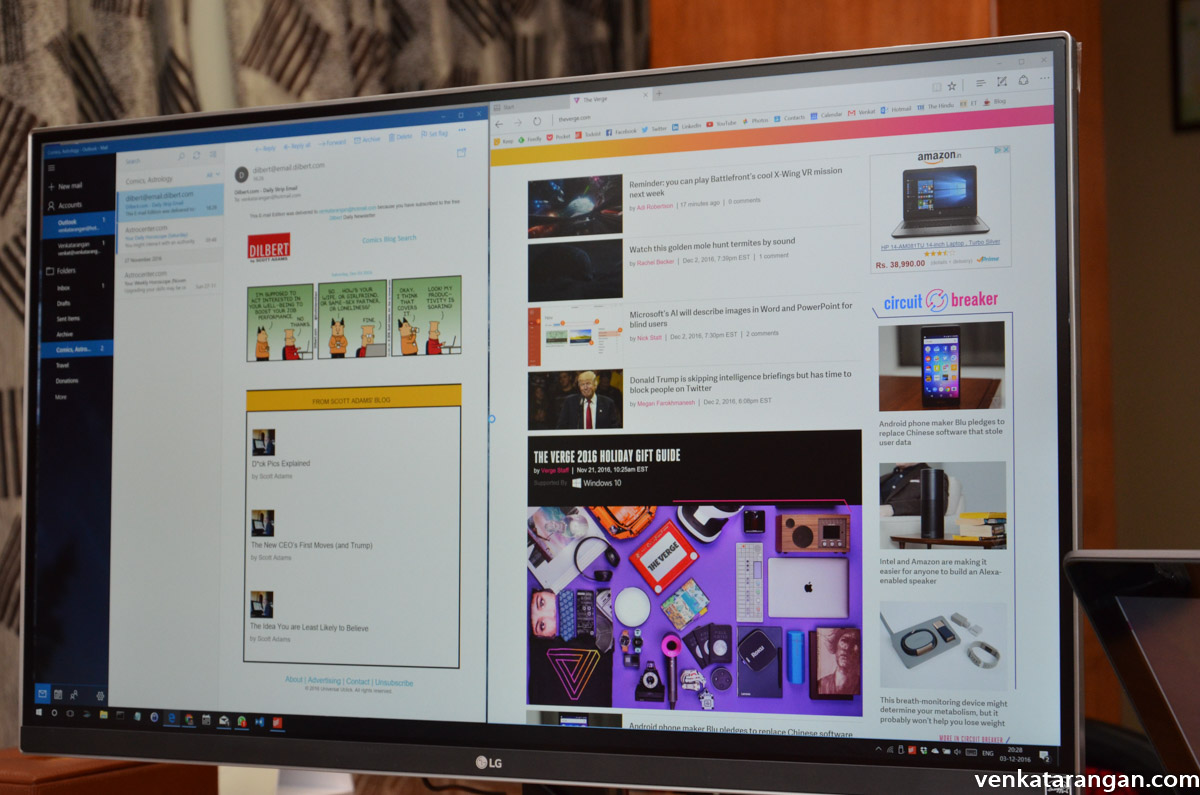
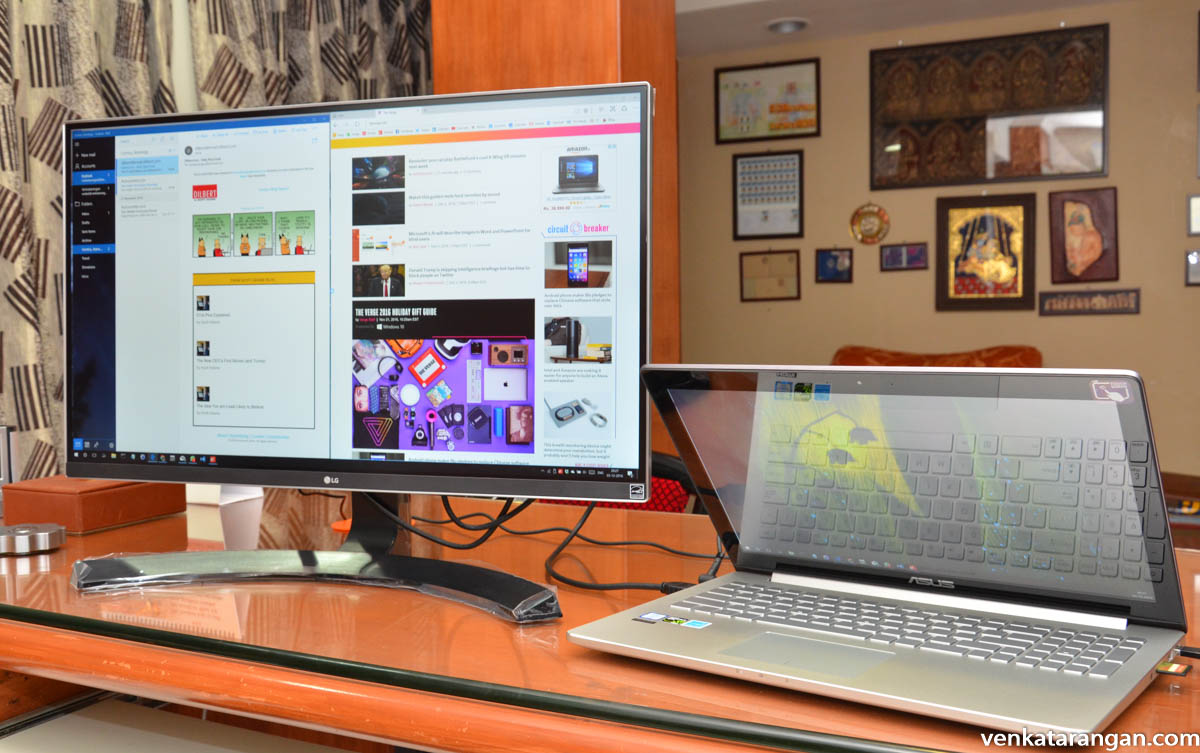
I am a desktop monitor, keyboard, and mouse person. Beyond few hours of working, I am not comfortable with cramped space in a Laptop. So to compliment my new 4K Ultrabook (ASUS ZenBook Pro UX501VW) I purchased this 27 inches 4K external display – LG 27UD68P. The IPS display support resolution of 3840×2160@60Hz, 300nits brightness and have 2 x HDMI Ports, 1 x DisplayPort and one Headphone out. Online in Amazon India, the monitor costs Rs.37,700 but I purchased from a local vendor for Rs.34,500. Amazon India the monitor costs Rs.37,700. The display sharpness and colours are lovely. Recommended purchase.

Disclosure: I write reviews about products that I have bought for my usage and paid in full. There were no sponsorship or advertisement, or commission of any sort involved in this post.
Update 24th Jan 2017:
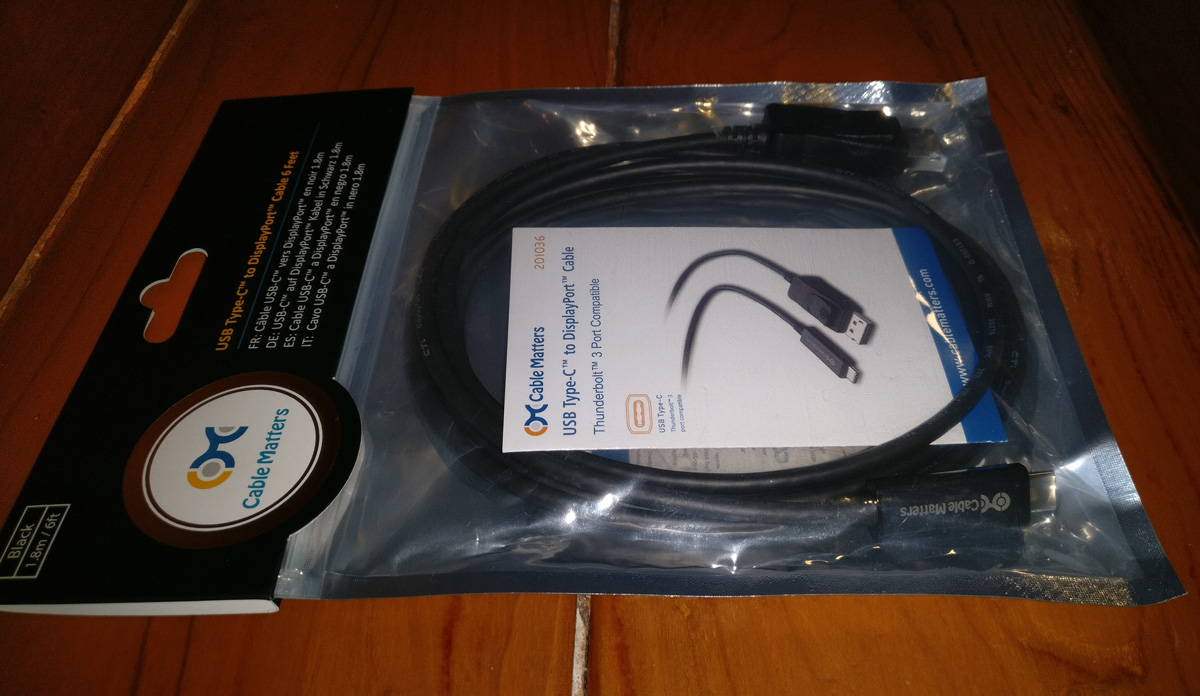
Till now I have been connecting the 4K monitor to my laptop (Asus UX501) using the HDMI cable that came out of the box with the monitor. A friend, who has the same configuration recommended I connect the monitor using DisplayPort. I purchased this one – “Cable Matters USB-C to DisplayPort 4K 60Hz Cable” for $30. The display now runs at 4k @60HZ and there is a noticeable difference in clarity. The cable is a worth purchase. I am facing an issue of monitor waking up from sleep in the DisplayPort setting, to solve it I have to press Windows-P every time and select Second Screen; will experiment for a solution to this.
Update 30th Jan 2024:
The monitor has been working great for the past seven years. But recently, it started showing problems. The edges of the screen were getting blurry and the colors were bleeding. I think it’s a hardware problem, probably something to do with the backlight panel. I asked ChatGPT for advice, and it told me that if the monitor is old or out of warranty, it might be better to buy a new one instead of trying to fix the old one. I decided to follow this advice. I’m not going to repair the monitor; instead, I’ll dispose of it in a responsible way.
Discover more from Mangoidiots.com
Subscribe to get the latest posts sent to your email.