
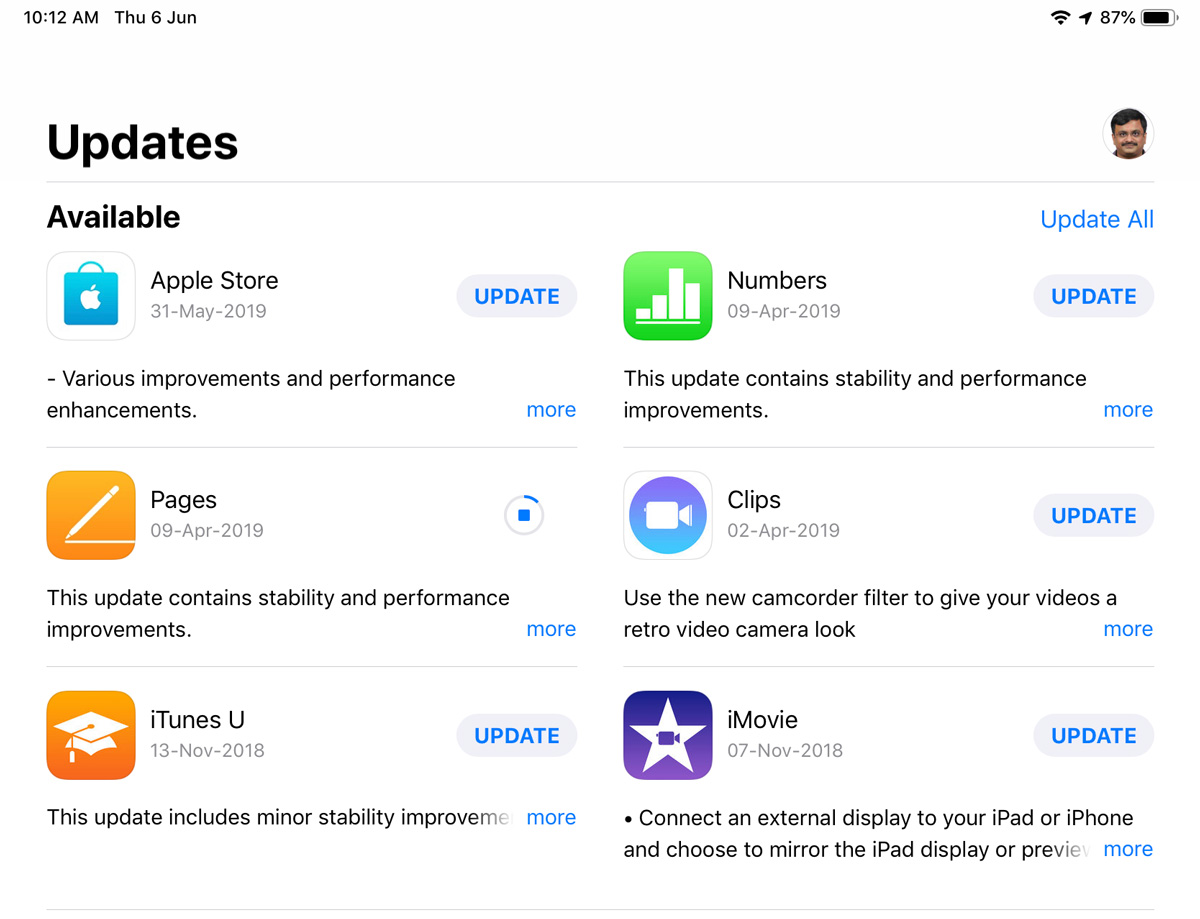
This post is about a simple tip.
In my new iPad Pro 11″, after I upgraded to latest iOS 12.3, updated all the installed apps, I was facing a weird problem. Six default apps from Apple were not getting updated. Every time I press Update or Update All, the process will start and stop with no progress. I searched in Apple support, the suggested solutions were to restart the device, to uninstall and to reinstall the app – nothing worked.
The apps that were not getting updated were Apple Store, Numbers, Pages, Clips, iTunes U and iMovie – some of them were stuck with updates from last year (7 Nov 2018). Then it struck me, I have never run these apps, maybe they needed to initialise (I am a programmer, that helps!) before they can update. I tried that – that is I ran all these 6 apps once and then tried to update them. Voila! problem solved, all of them got updated just fine.
Discover more from Mangoidiots.com
Subscribe to get the latest posts sent to your email.