After getting a new PC, installing all apps I needed, I finally came to installing Oracle’s Virtual Box and restored my backup containing all virtual images (VMDK). When I tried to run a Windows 7 image, I was greeted by an error from VirtualBox saying “81954AF5-4D2F-31EB-A142-B7AF187A1C41”. Also checking the properties for the Guest OS, the processor settings were grayed.
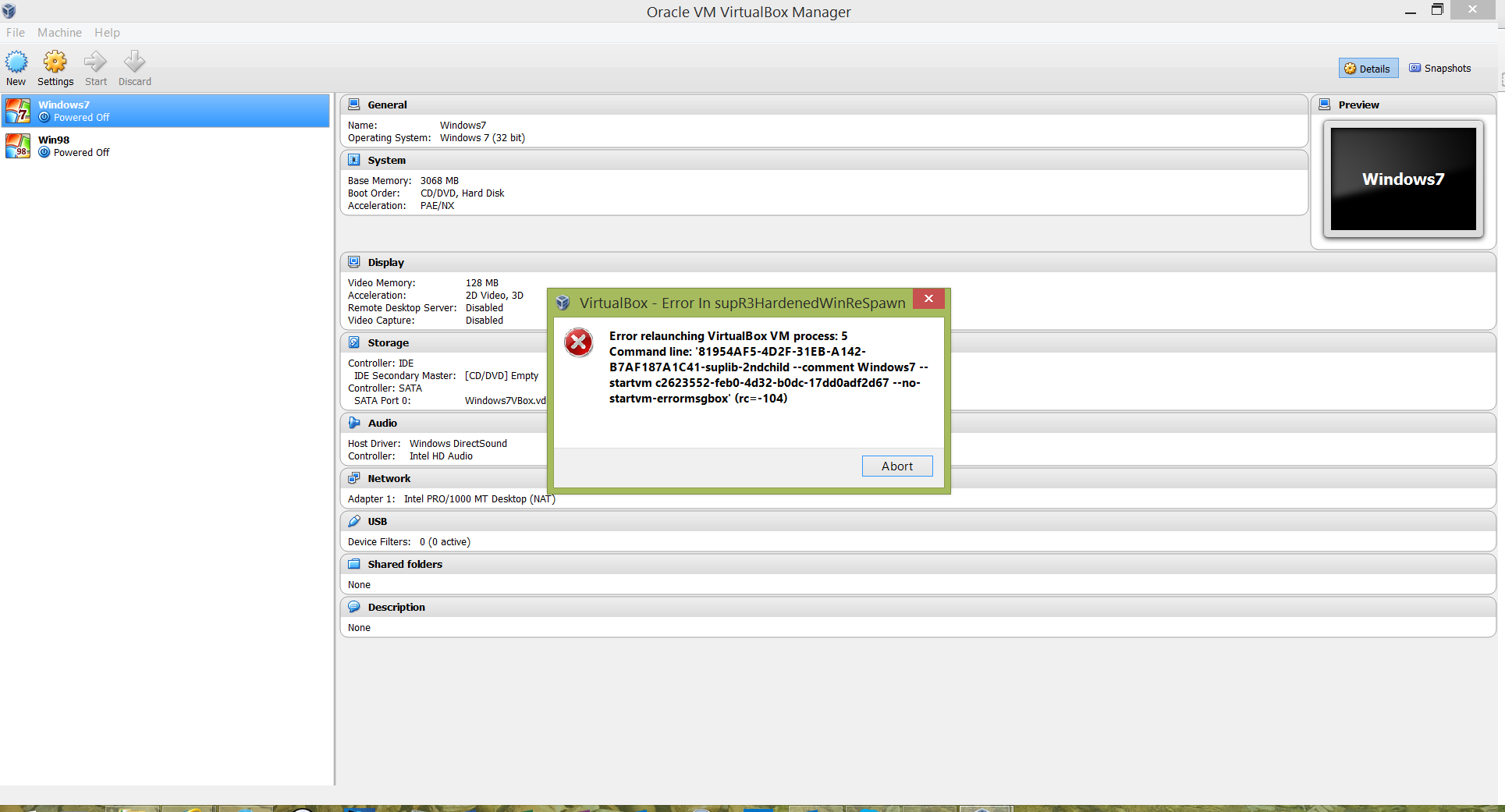

After good amount of trials & searching I did the following which fixed the error and I was able to run the images.

- Enabled virtualization support in BIOS, this was the reason for the processor settings to be not available in Virtual Box, as can be expected
- Uninstalled the latest version of Virtual Box, my host OS was Windows 8.1 Update 1 with all updates till date. Installed the earlier version 4.2.26 (released 2014-07-15)
- Deleted the Windows 7 guest OS configuration in VirtualBox, recreated it and this time mounted the Virtual Hard disk as IDE drive instead of SATA as it gets configured by default
Discover more from Mangoidiots
Subscribe to get the latest posts sent to your email.