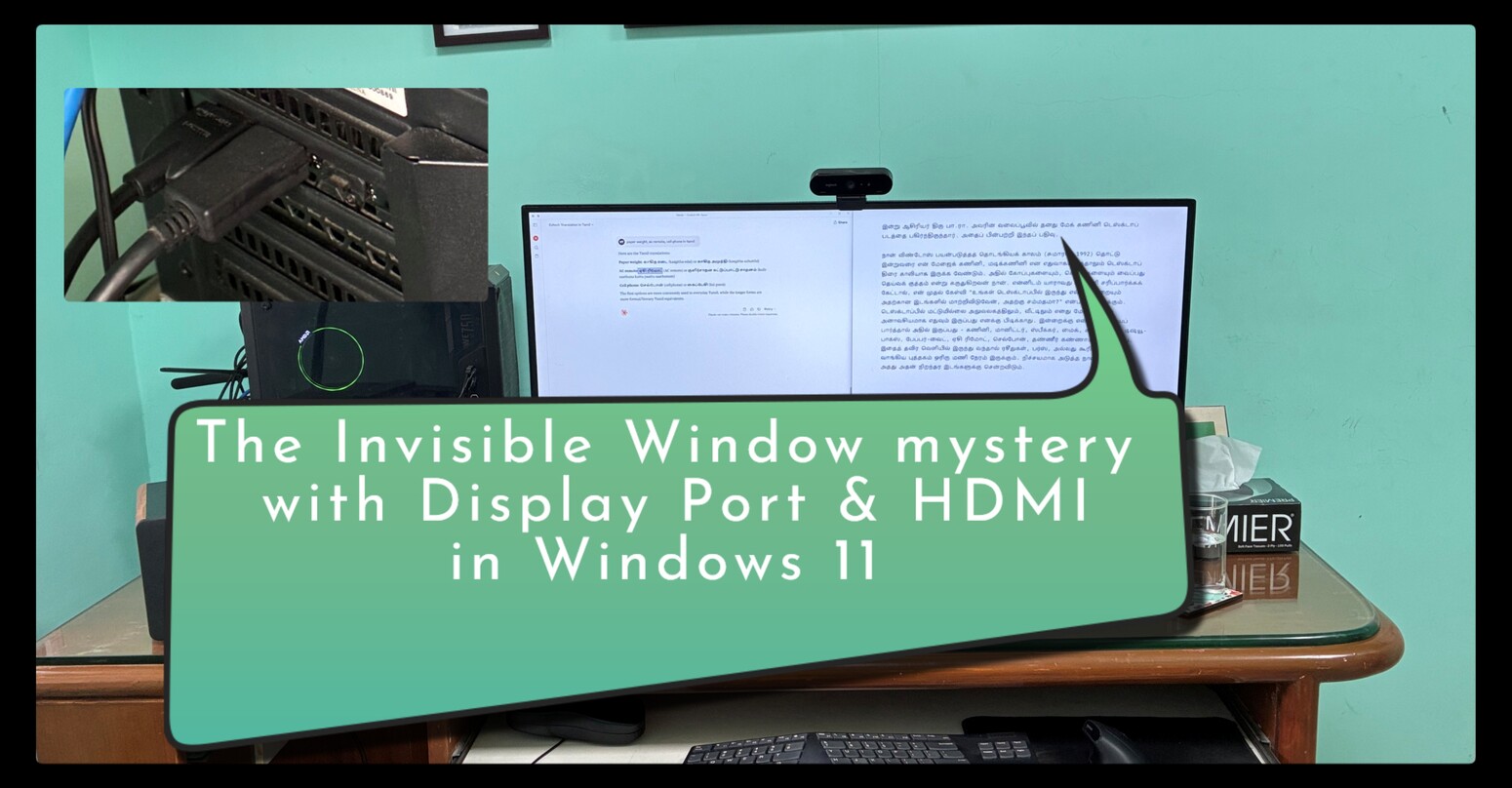
After a fresh install of Windows 11 Pro for Workstations, 25H2, on my desktop with a Gigabyte B450M motherboard, AMD Ryzen 7 5800X, and NVIDIA RTX 3060 GPU, I ran into a strange issue. Every time I clicked the Microsoft Edge icon on the taskbar, Edge showed up in Task Manager, but there was no browser window on the screen. It felt like the app existed, but had decided not to show itself.
Things became more confusing after the system woke up from sleep. It was no longer limited to Edge. Terminal, the Run dialog, and almost every other app behaved the same way. The desktop in front of me looked normal and empty at the same time. Nothing appeared broken, yet nothing was visible. Thinking back, I could not even see the system tray, which should have been a clear clue.
On Windows 11, running on an NVIDIA RTX 3060 with a Gigabyte B450M motherboard and AMD Ryzen 7 5800X, I am facing a strange issue. After a fresh install of Windows 11 Pro for Workstations, version 25H2, OS Build 26200.7462, clicking Microsoft Edge from the taskbar launches the app, but no window appears on screen. After waking the PC from sleep, the same behaviour affects all apps, including Terminal and the Run dialog. The processes are running, but the windows are not visible.
I then asked Perplexity AI what the issue could be. One of its suggestions was to check the multi monitor settings using Windows plus P. That turned out to be the key. I use a single physical monitor, a 34 inch LG curved display, but I had connected it to the RTX 3060 using both DisplayPort and HDMI at the same time. After cleaning up my desk, I had tested both outputs and forgotten to remove the HDMI cable.
From my point of view, it was still one screen. From Windows’ point of view, it was two separate displays. That small detail created a big illusion. Windows assumed a dual monitor setup and occasionally treated the HDMI output as the primary display. When that happened, new app windows, the taskbar, and even the system tray were sent to that second output. The problem was that no active monitor was actually showing it. Everything was happening on a screen that did not exist in front of me. So this was neither an Edge bug nor a failed Windows install.
With that clarity, I opened Display settings. Windows showed two active displays, one on DisplayPort and one on HDMI. The fix was straightforward. I disconnected the HDMI cable and kept only a single connection between the GPU and the monitor. I then confirmed in Display settings that only one display was detected and that it was set as the primary screen.
From there, everything returned to normal. Edge opened instantly and visibly. After sleep and wake, all windows appeared where they should. The taskbar and small dialogs stayed put. The invisible window problem disappeared completely.
The lesson here is simple. If you connect a single monitor using two cables, Windows may treat it as two displays. When that happens, it can quietly move your apps and taskbar to the other output. Before suspecting app bugs or OS corruption, it is worth checking what Windows believes your display layout is, especially after a fresh install or a hardware change.
Discover more from Mangoidiots
Subscribe to get the latest posts sent to your email.